
Personal computers, laptops, and ultrabooks are very popular solutions, but there are still many people who value and choose to use traditional desktop PCs. Such setups are often used in offices, but also among users with specific hardware requirements — gaming, programming, or graphic editing.
Desktop computer, ready-made or assembled yourself?
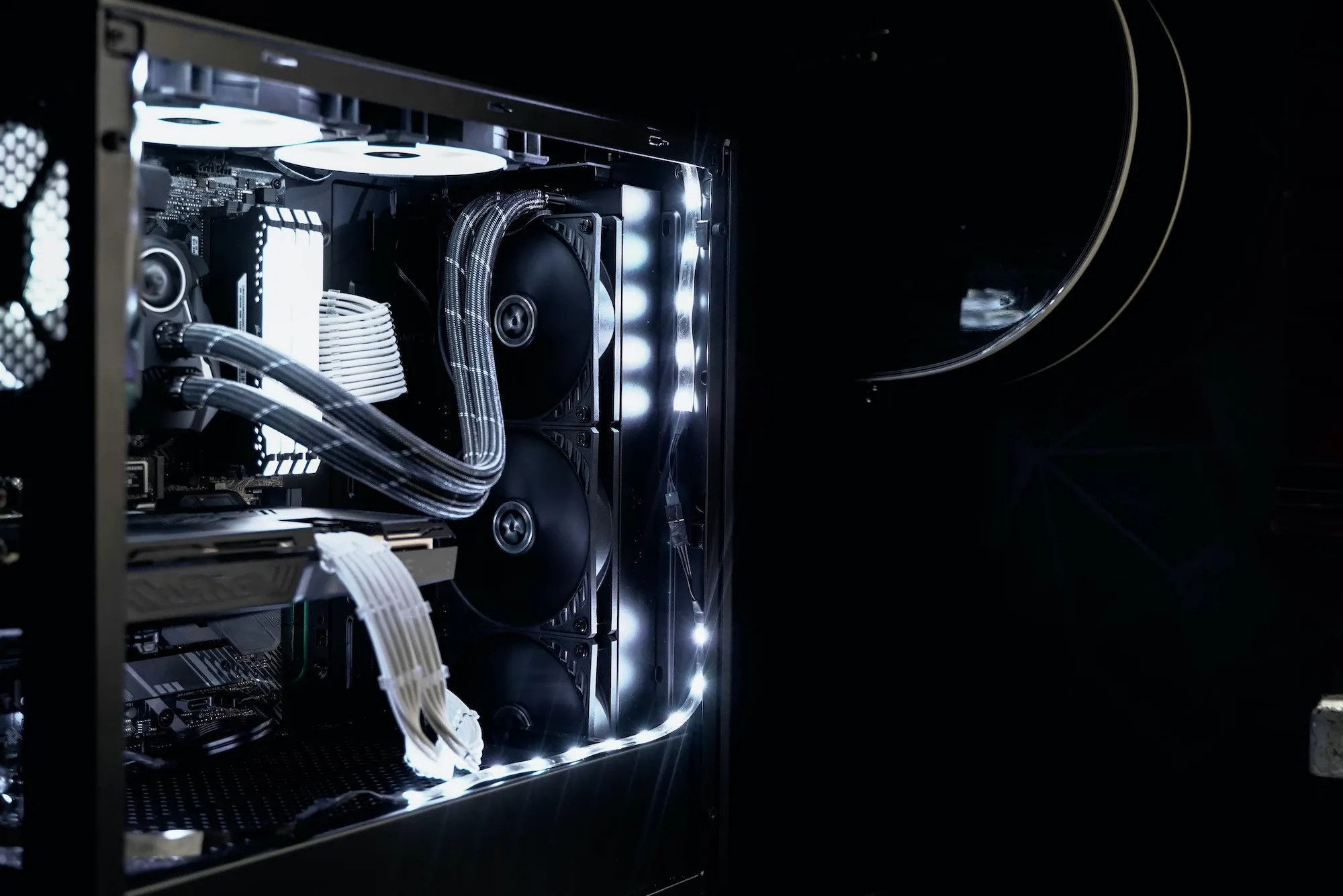
Deciding on a traditional PC, you need to consider whether to assemble it yourself or opt for a ready-made set. The answer isn't straightforward, as it really depends on individual needs. Additionally, assembling a computer is a demanding task that requires knowledge to properly match the individual components to ensure compatibility. It also takes time, since searching for parts, waiting for their delivery, and then assembling them all takes quite a while. But in exchange for the effort, you get an ideal solution, tailored precisely to your personal requirements. Gamers, for whom hardware quality is a priority, often choose this option.
An alternative to so-called “custom builds” is a ready-made computer set, which you can get more quickly. However, here too, it’s important to carefully consider the choice of specific model, primarily taking into account what it will be used for.
Check the ranking of ready-made PC sets here:
https://www.komputronik.pl/informacje/jaki-komputer-stacjonarny/
The decision whether to assemble a computer yourself or choose a ready-made solution mainly depends on individual expectations and the intended use of the hardware. You can also entrust the assembly to professionals.
When is it worth deciding to assemble a computer?
Building your own hardware isn’t always necessary or cost-effective. If you’re looking for a PC for office use or home, for example, for a child's learning, ready-made options usually work without any issues, especially since there are really good hardware-equipped computers available. The problem with “off-the-shelf” solutions begins when you need a truly high-performance machine. This situation is often faced by professionals involved in graphics, video editing, or gaming. Here, parameters, performance, processor and memory speed are crucial. This is extremely important because the better the specs, the greater the comfort of work. There are many guides online that can help you assemble almost the entire unit.
Choosing components - assembling sets
With basic knowledge, you can attempt to assemble your own set. The biggest challenge may be matching the individual parts. Compatibility of components is a top priority, because without it, the hardware won’t function properly. You can seek help from specialists or look for dedicated websites that assist in conveniently configuring the perfect set.
For demanding users, configurators like PC configuratorfrom Komputronik are the fastest solution, where you can select specific components of interest, and the configurator will check their availability and compatibility. This is a huge convenience for creating a tailor-made set.
How to assemble a computer step by step?
First, all components need to be matched, which requires time, knowledge, and skills. The first step is to place the processor on the motherboard, then secure it with an appropriate cooling system. Thermal paste, for example, is essential here, as without it, the component could quickly be damaged. Before mounting the motherboard into the case, you also need to insert the RAM into the appropriate slots. Inside the case, you should also install the drives, hard disks, additional cards (e.g., sound card), power supply, and cooling system. Each part usually comes with instructions on how to connect it, which ensures safe and correct assembly.
SPONSORED ARTICLE